
Manual
Introduction
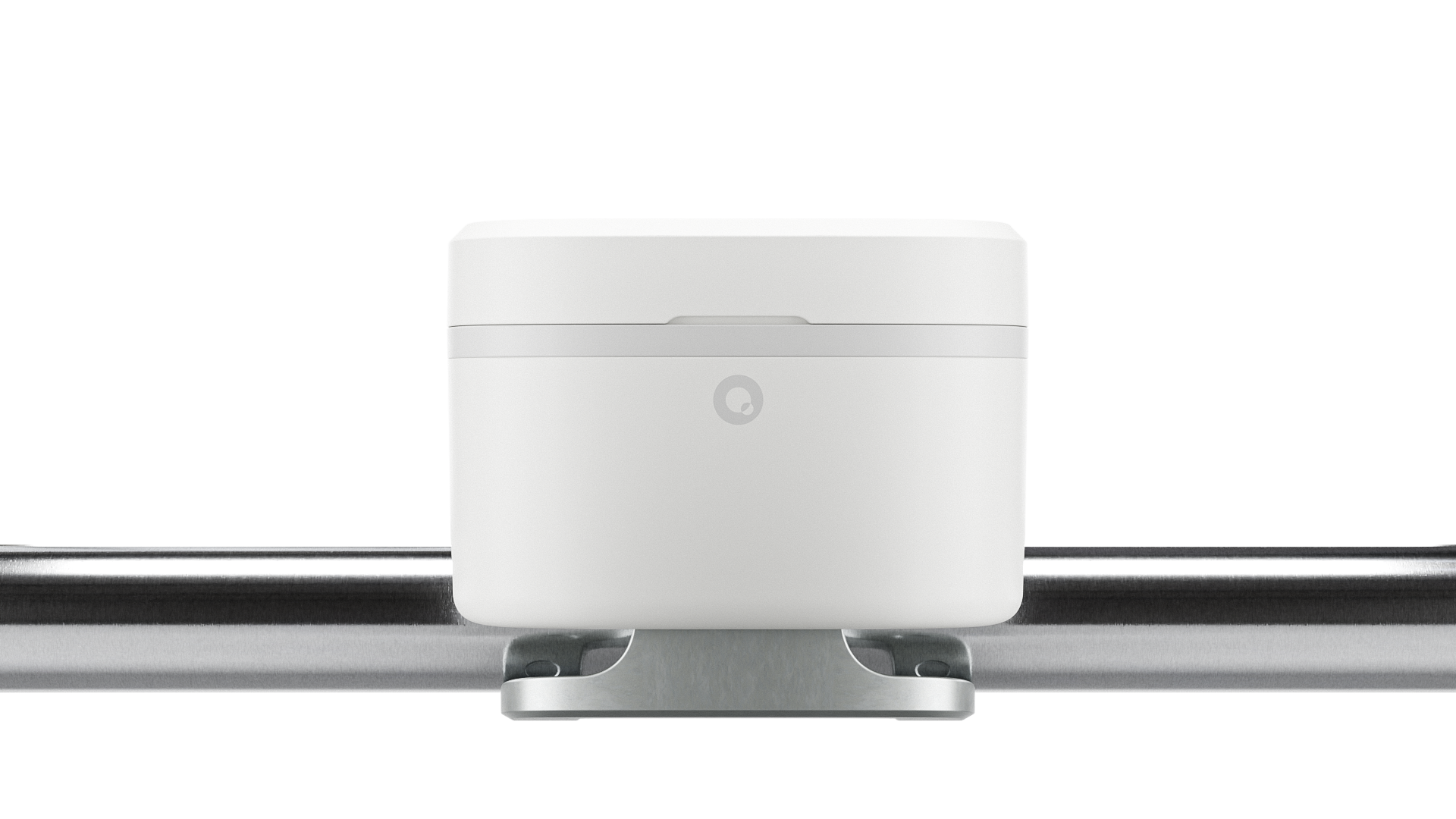
Thank you for choosing the Quandify Water Grip, a smart, non-invasive water monitor designed to help you detect leaks and track water usage with ease.
Leak detection
Get instant alerts if there’s a leak anywhere in your home (or in a specific room, depending on where you place it).Track water usage
See how much water you’re using - hourly, daily, weekly, or monthly in the Quandify AppSave water (and money)
Set your own usage goals, spot unusual water habits, and find ways to cut down on waste.Peace of mind while you’re away
Whether you’re on vacation or at work, you’ll know right away if something’s wrong.No tools, no plumber
The device simply clamps onto your pipe. No cutting, drilling, or plumbing experience needed.
What’s in the Box
Item | Description |
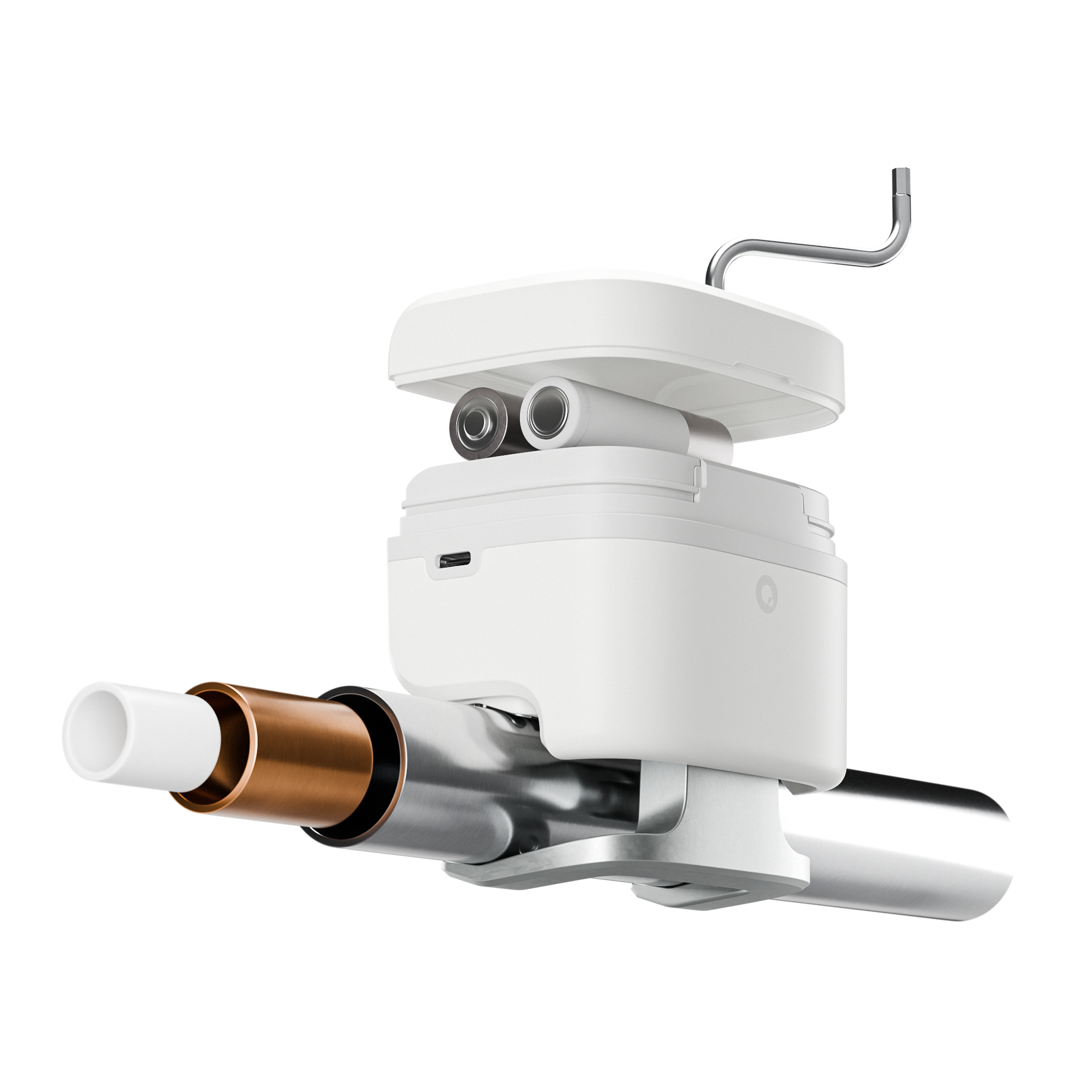
1x Quandify Water Grip | The main device |
1x Quick Start Guide | Simple setup guide to get you started |
1x Allen Key | A small, practical tool included to easily secure or adjust the Water Grip on your pipe. |
1x Pipe Ruler | A helpful measurement tool used to check your pipe diameter, ensuring the device fits correctly. |
2x Batteries | For powering the device |
Quandify App
The Quandify App is your smart companion for the Water Grip. It lets you see what’s happening with your water usage, get leak alerts, and manage your settings - all from your phone.
Track water usage
See how much water you’re using - daily, weekly, monthly or yearly.Live data view
View real-time water flow, temperature, measurement quality, and session volume directly from your Water Grip*.
See demo.Get instant leak alerts
If a leak is detected, the app notifies you immediately so you can take action.Acknowledge and clear leak alerts
Stop the alert and mark it as seen, directly in the app.Check device status
See your device’s connection status and available updates.Change settings
Change Wi-Fi, notification settings etc.Installation instructions
The app will guide you through all necessary steps to help you succeed with installing the device at your home.
*Live data is currently only available over a local Bluetooth (BLE) connection and requires access to the Water Grip to activate.
Download to get started
Available in the App Store or Google Play.
Tip: Keep the app updated to get the latest features and improvements.
Installation
Where to install
Main water inlet (optimal)
Usually located in a utility room, basement, or near the main water meter. This setup lets you monitor all water usage and detect leaks anywhere in the house.
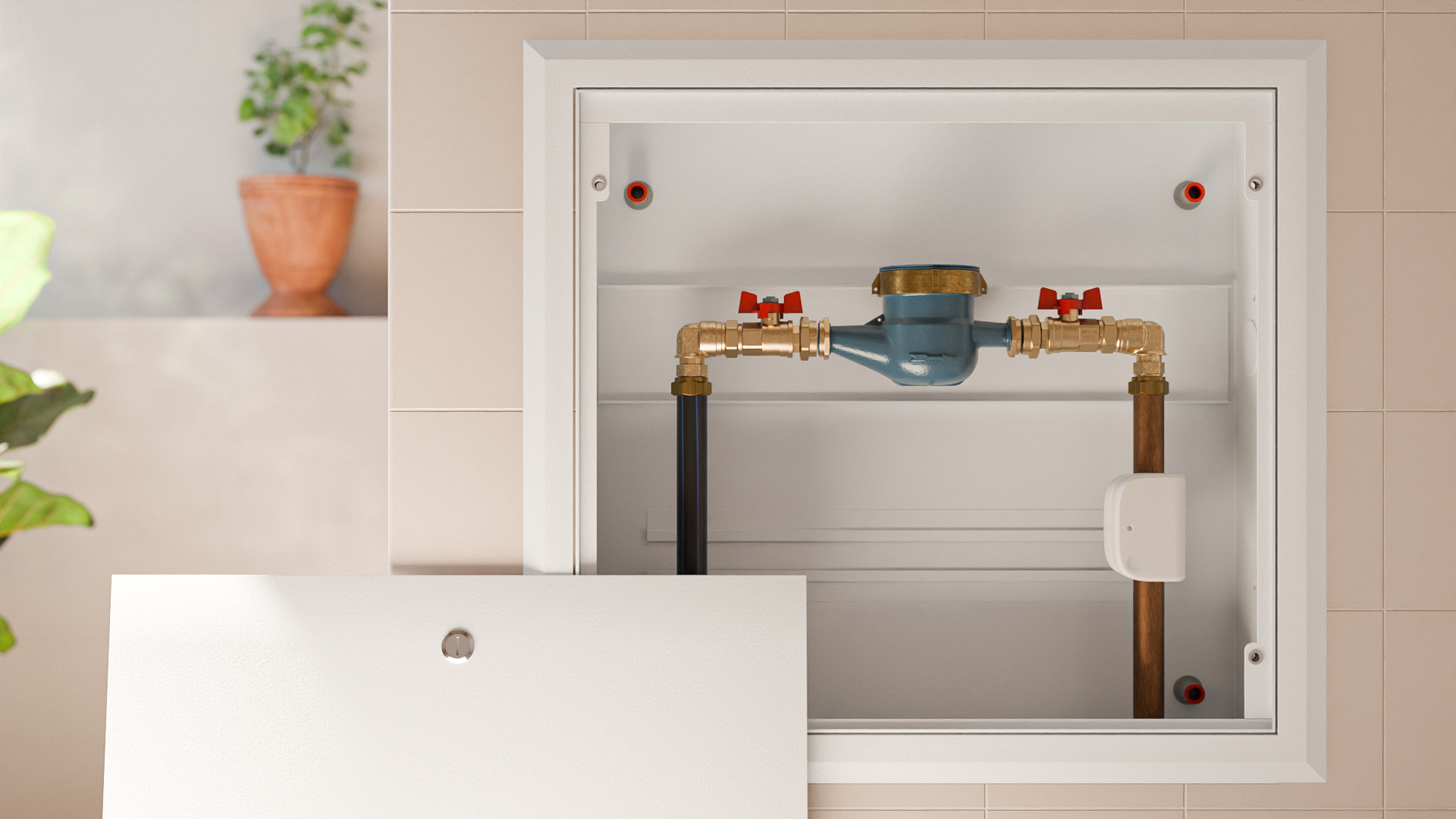
Image: Visualisation of Water Grip on main water inlet pipe.
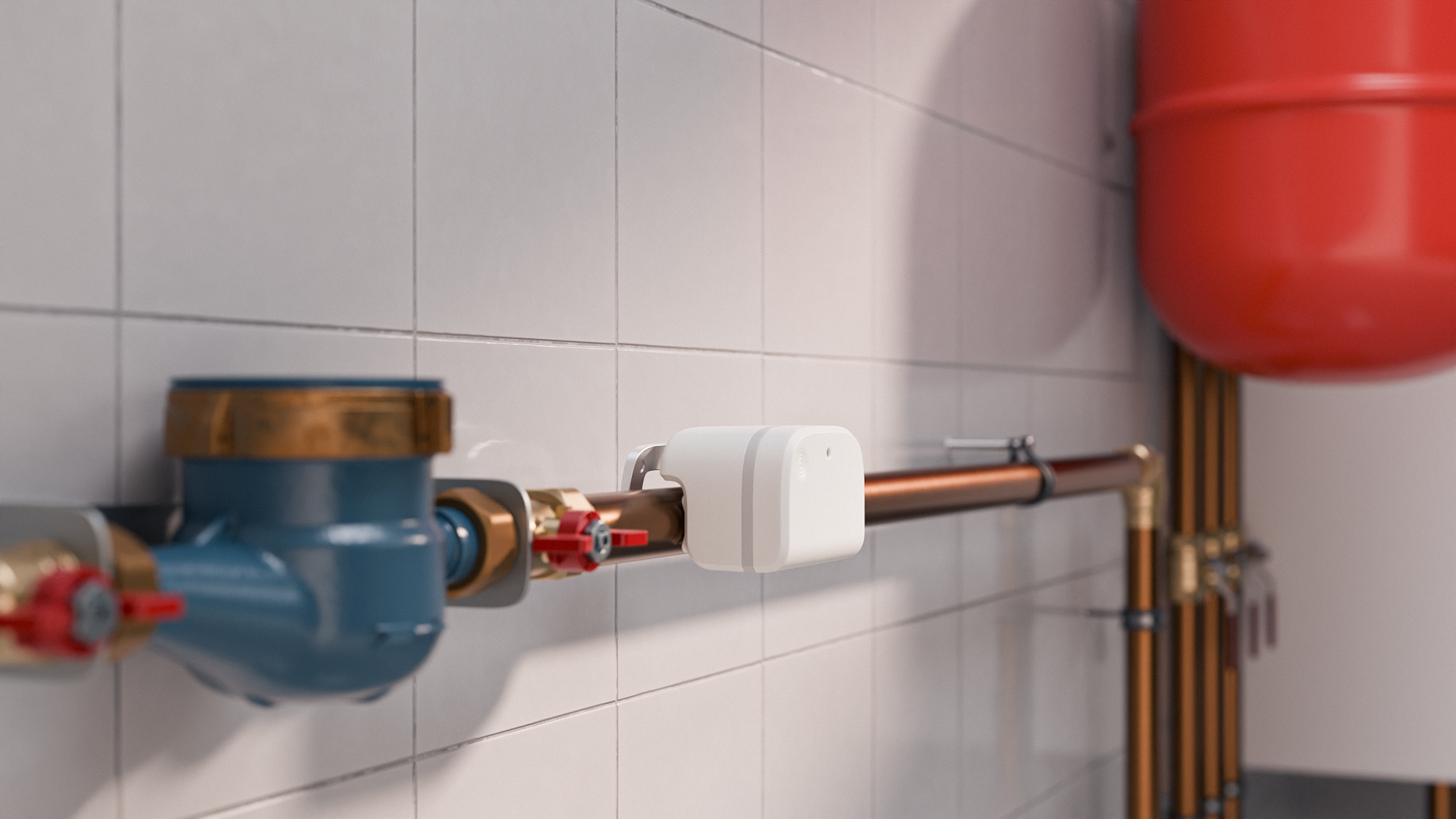
Image: Visualisation of Water Grip on main water inlet pipe.
Kitchen
Install one or two devices (hot and cold) to the water pipe(s) leading specifically to your kitchen fixtures, such as the sink, dishwasher, or other kitchen appliances. This helps monitor kitchen water usage and immediately detect leaks or problems specific to this area.
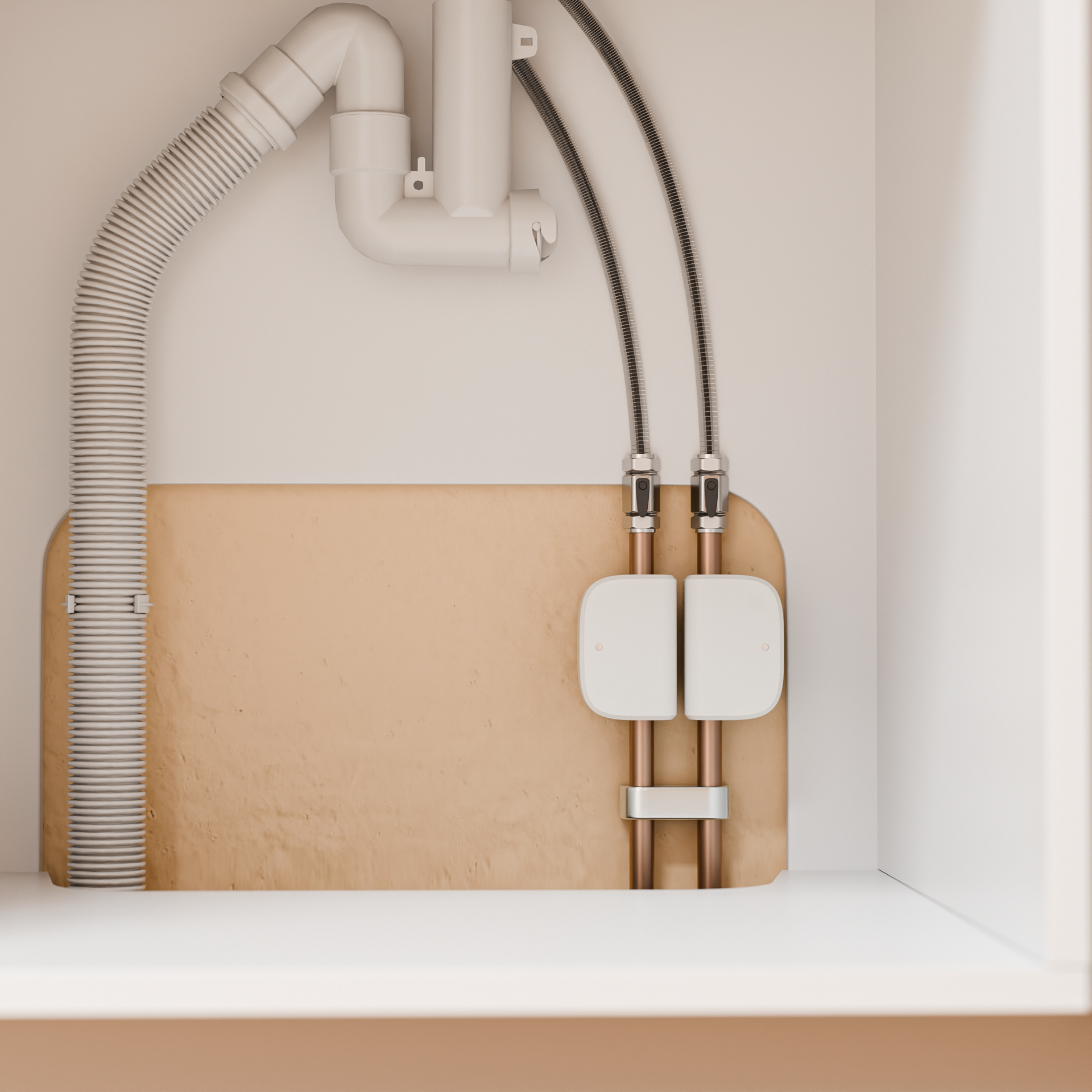
Image: Visualisation of two Water Grip devices installed on water pipes under kitchen sink.
Bathroom
Install one or two devices (hot and cold) on the water pipe(s) supplying your bathroom fixtures, like the toilet, shower, bathtub, or sink. This allows you to closely track water consumption in your bathroom and quickly receive alerts if leaks or unusual water usage occur.
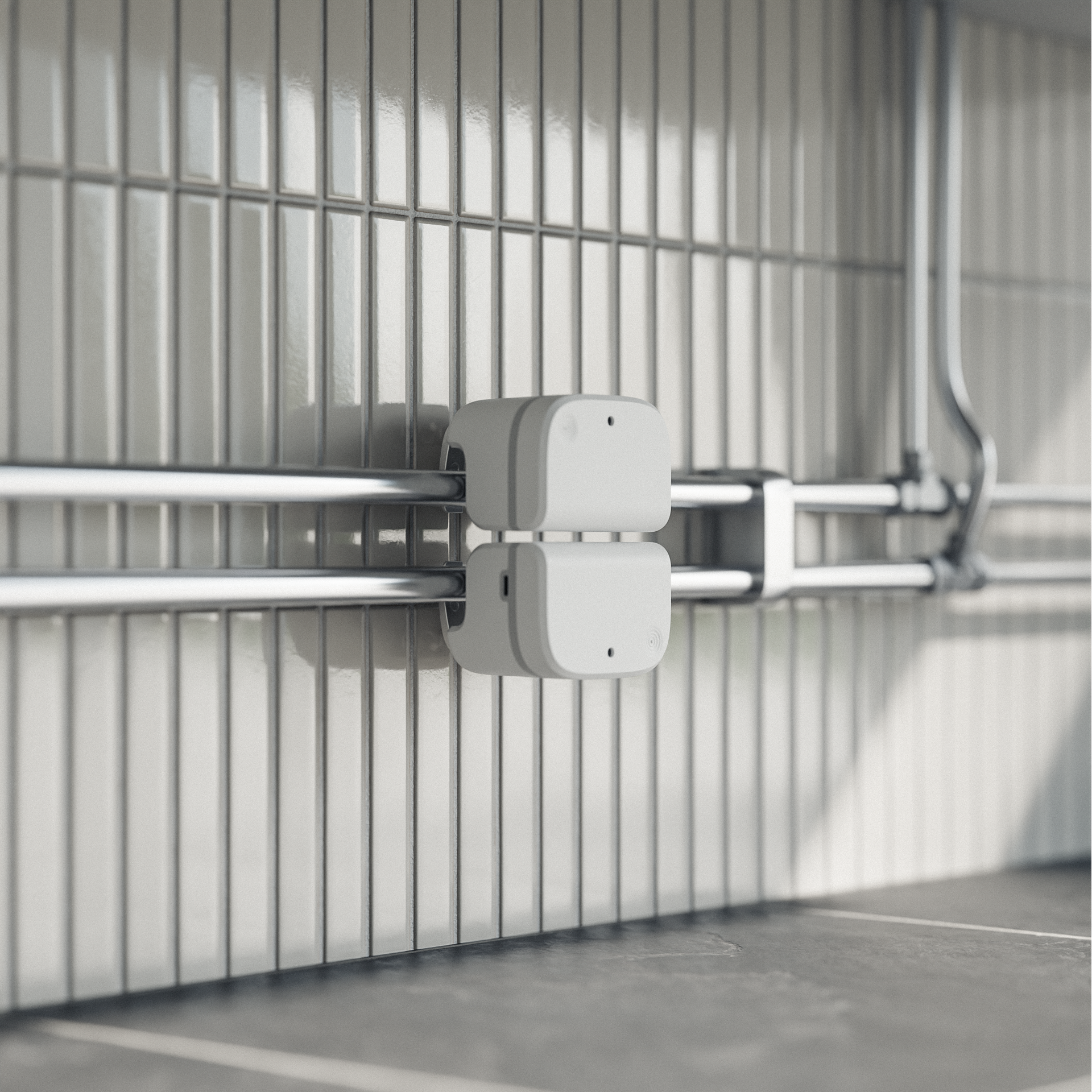
Image: Visualisation of two Water Grip devices installed on water pipes in the bathroom.
Laundry room
Install a device on e.g. the cold water pipe connected to the washing machines to monitor its water usage.
Supported pipes
Type | Description | Diameter (mm) | Example | Required firmware |
Copper | Red-brown metal pipe. Common in older houses and apartments. Sometimes painted in visible installations | 15, 16, 18, 22, 28 |
| 0.74.1 |
Chrome | Shiny silver-colored metal pipe. Common in bathrooms, usually supplying toilets, showers and sinks with hot and/or cold water | 15, 18, 22, 28 |
| Any |
Stainless steel | Silver-colored steel pipe. Corrosion resistant pipe that is found in modern houses or apartments | 22, 28 |
| 0.74.1 |
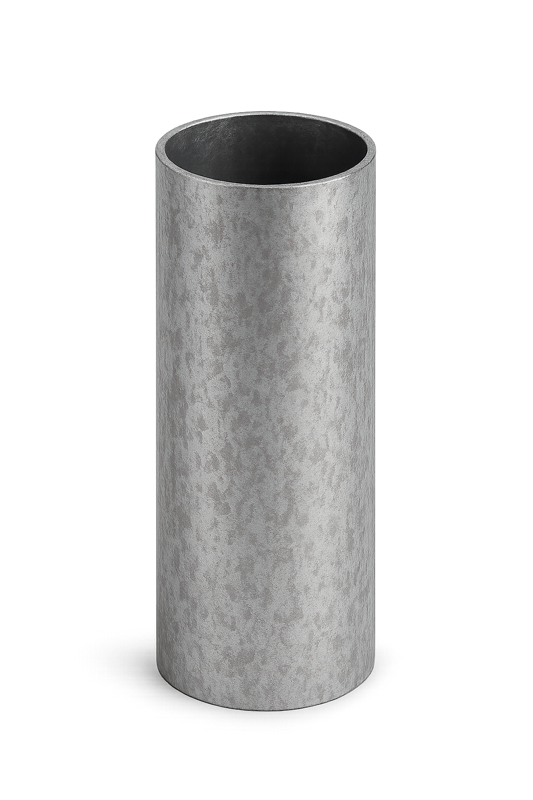
Galvanized steel | Dull grey or silver, with occasional rust near fittings. Typically seen in older houses | 21.3, 26.9 |
| 0.74.1 |
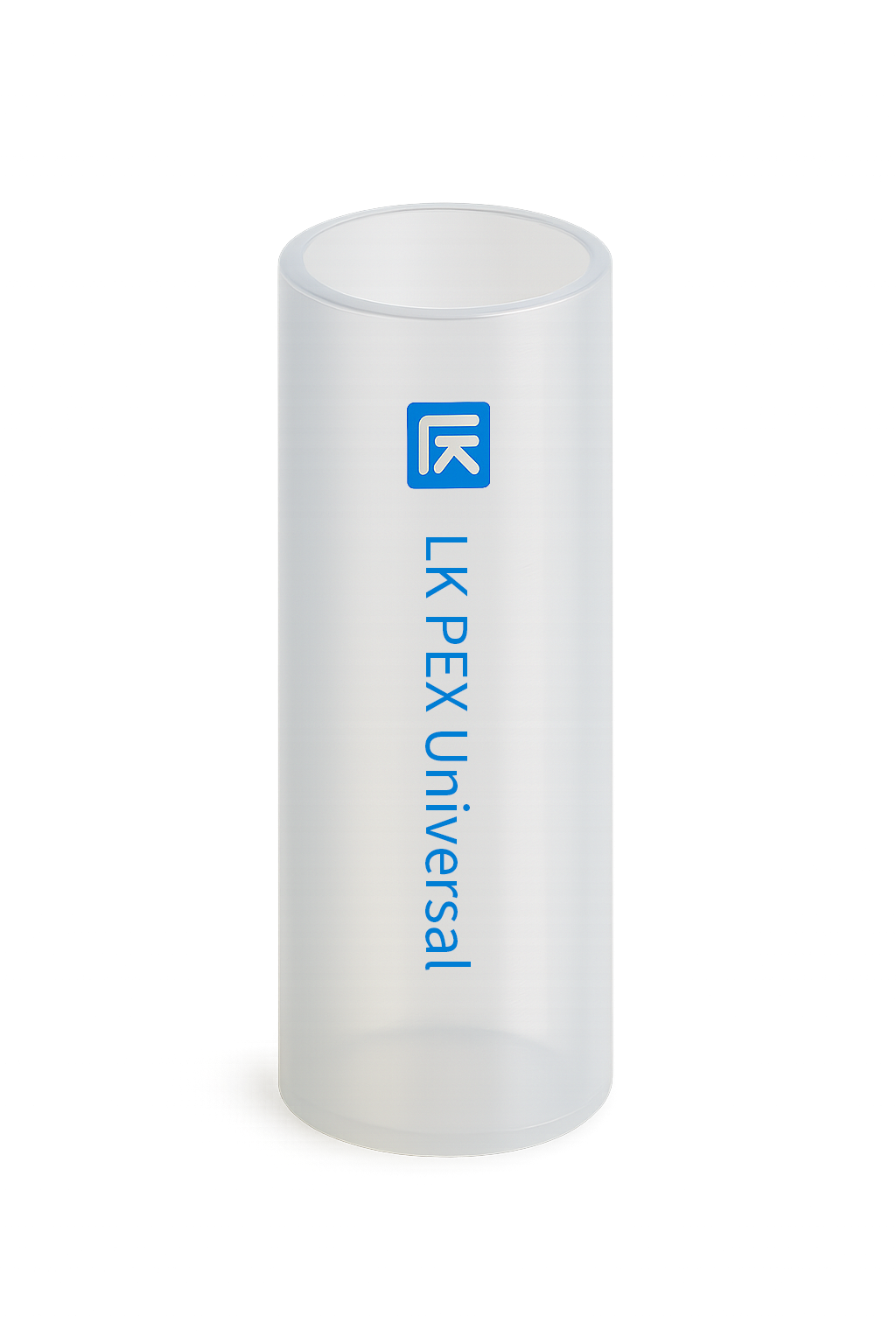
Universal PE-X | Flexible, semi-transparent, white plastic pipe from LK Systems. It is bendable by hand. Common for hot- and cold water installations in houses and apartments | 16, 20, 25, 32 |
| Any |
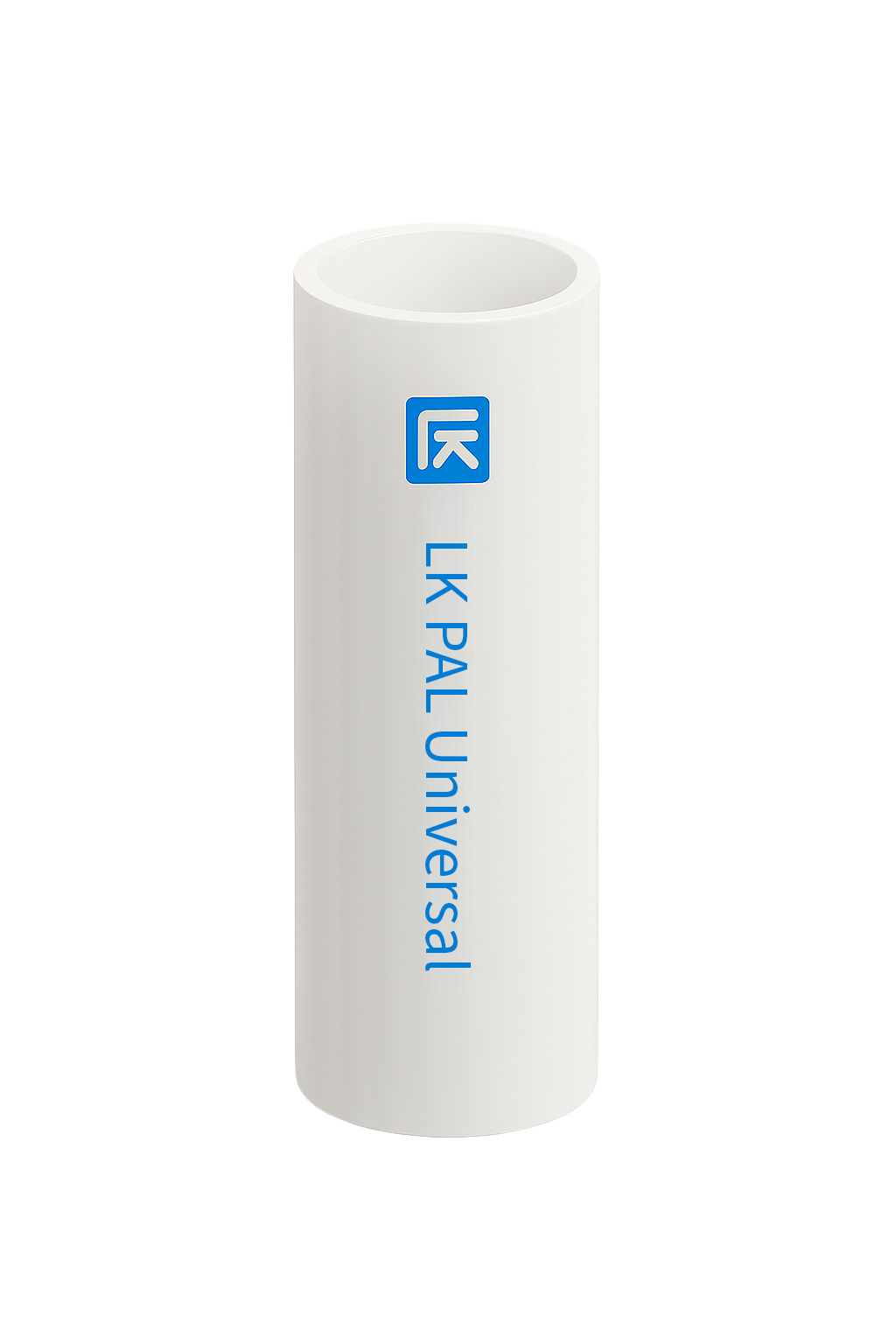
Multi layer PAL | White stiff plastic pipe from LK Systems. It bends but keeps its shape. Common for hot- and cold water installations in houses and apartments | 16, 20, 25, 32 |
| Any |
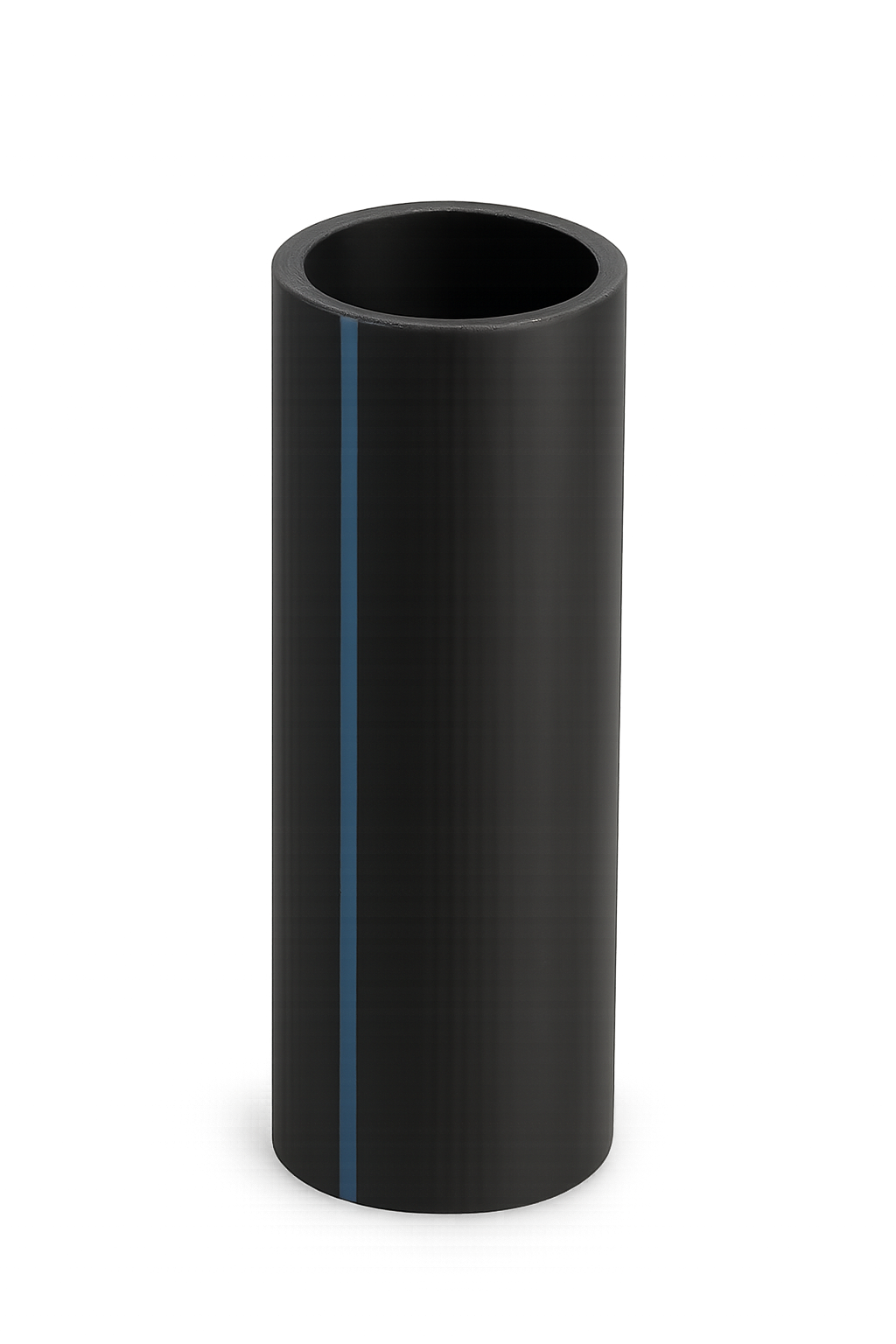
Universal PEM | Black plastic pipe with a blue stripe running along its length. Common as main water inlet in villas or summer houses | 20, 25, 32 |
| 0.84.0 |
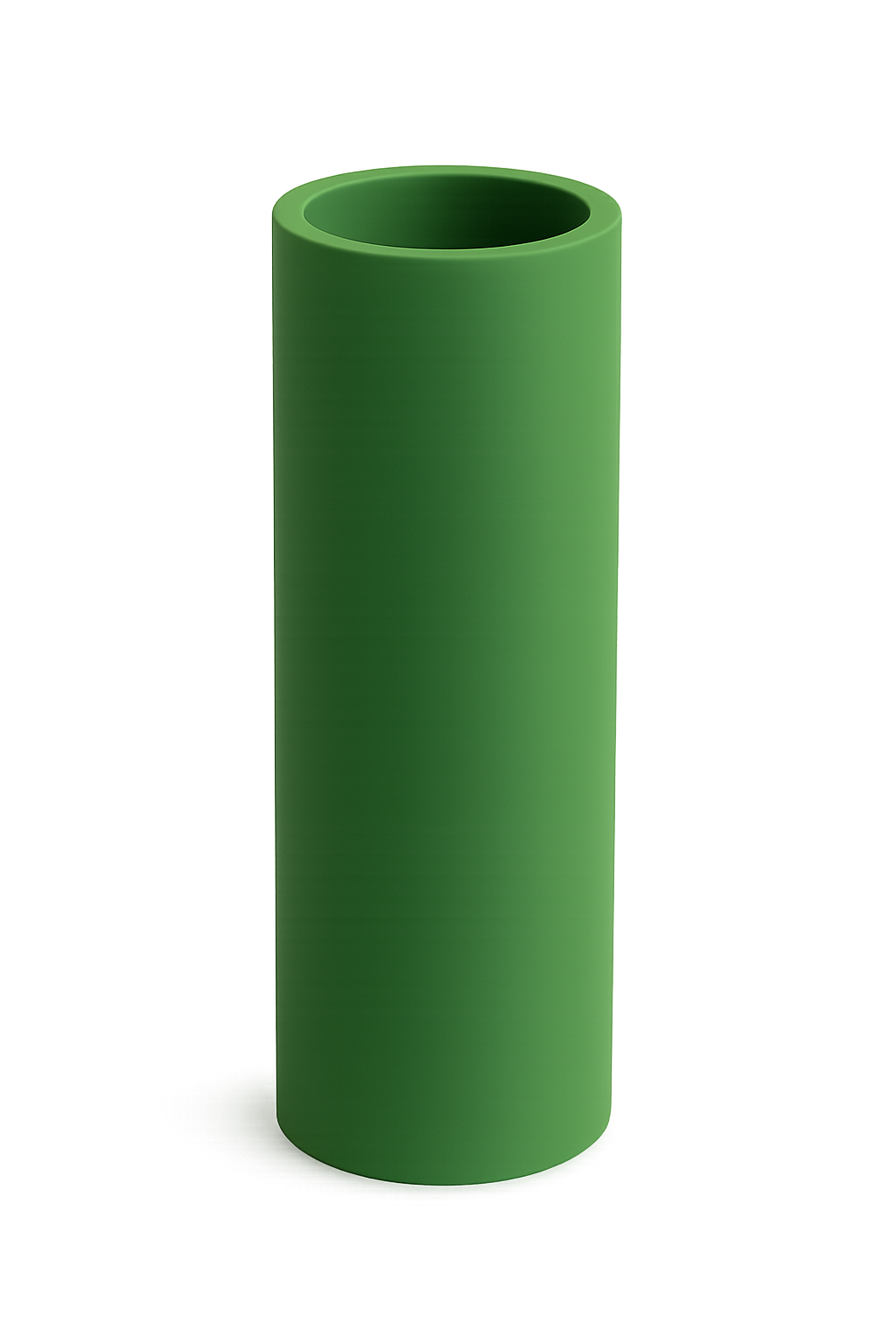
Aquatherm SDR 74S | Green plastic pipe. Often used as main water inlet in villas, summer houses and in outdoor water installations | 16, 20, 25, 32 |
| 0.92.0 |
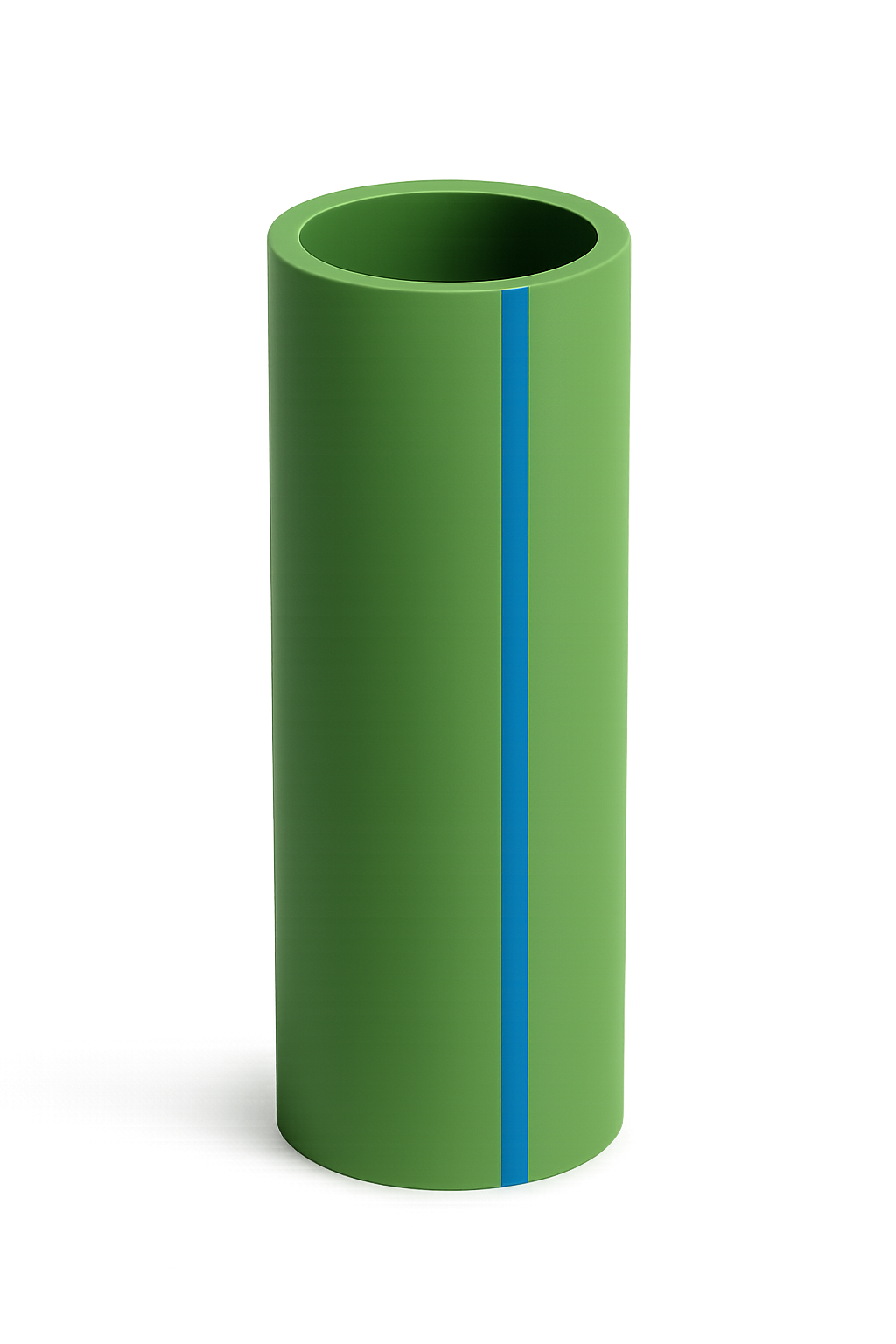
Aquatherm SDR 11S | Green plastic pipe with a blue stripe running along its length. Often used as main water inlet in villas, summer houses and in outdoor water installations | 25, 32 |
| 0.92.0 |
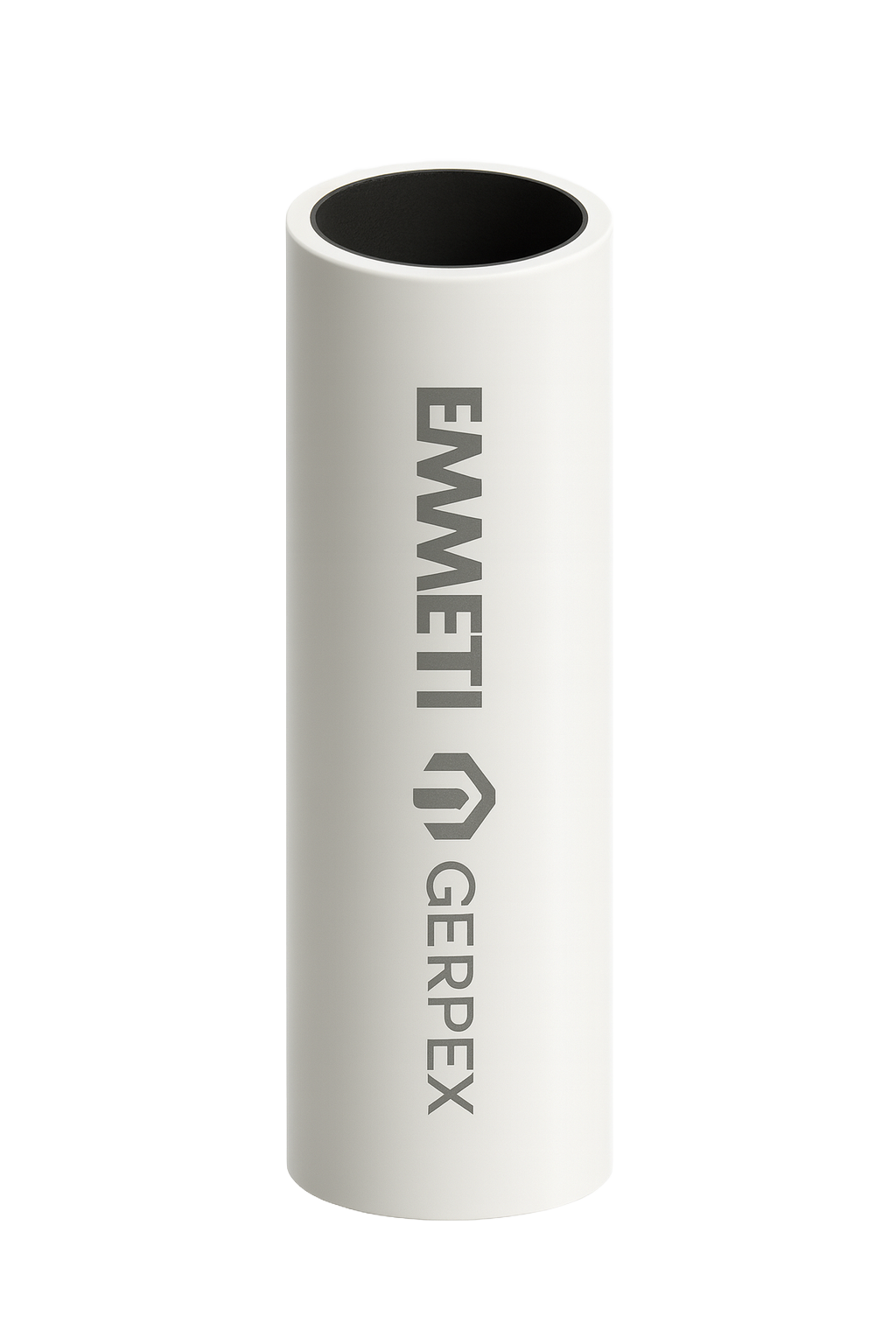
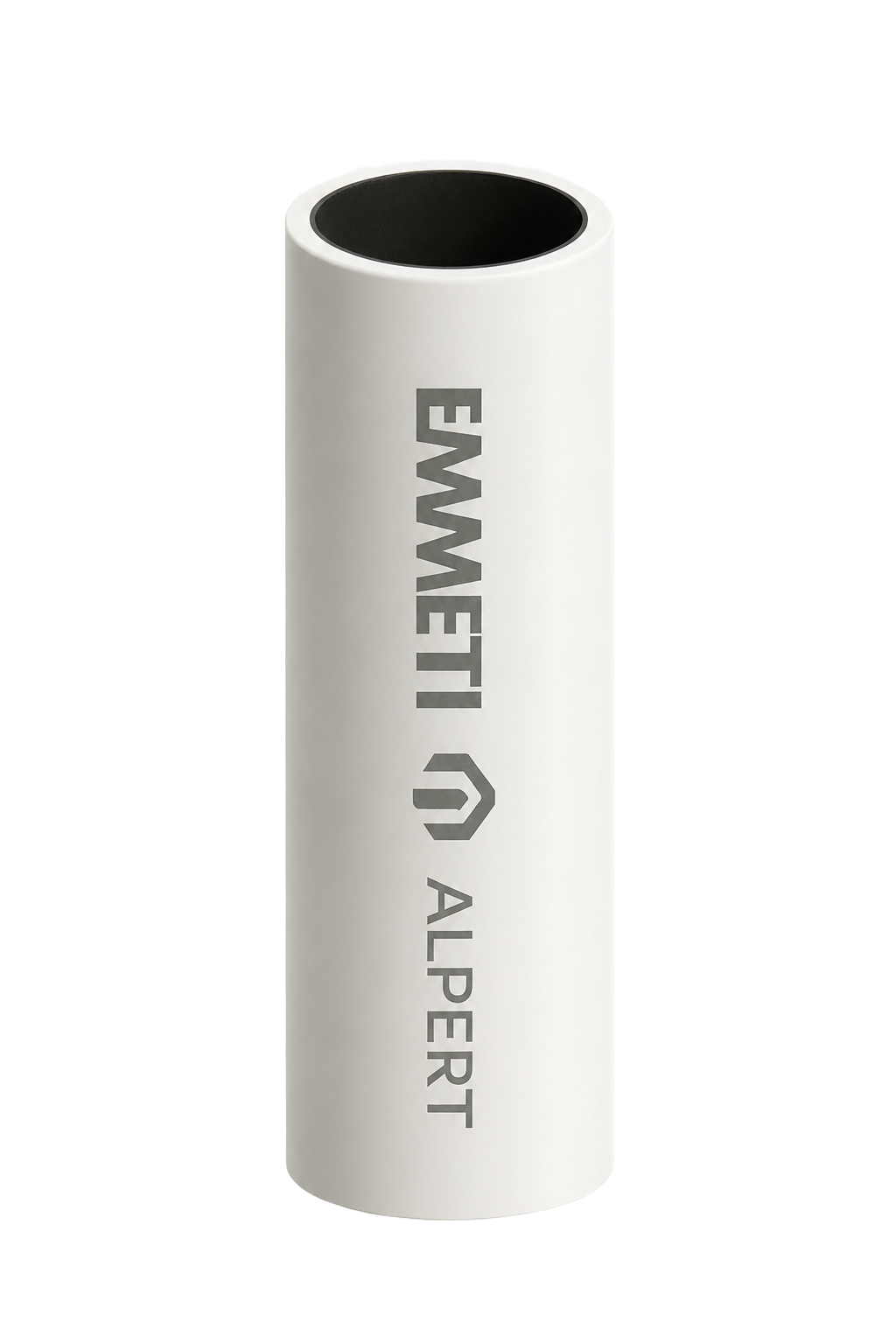
Multilayer EMMETI Gerpex | White stiff plastic pipe from Emmeti. It bends but keeps its shape. Common for hot- and cold water installations in houses and apartments. | 16, 20, 26 |
| 1.0.19 |
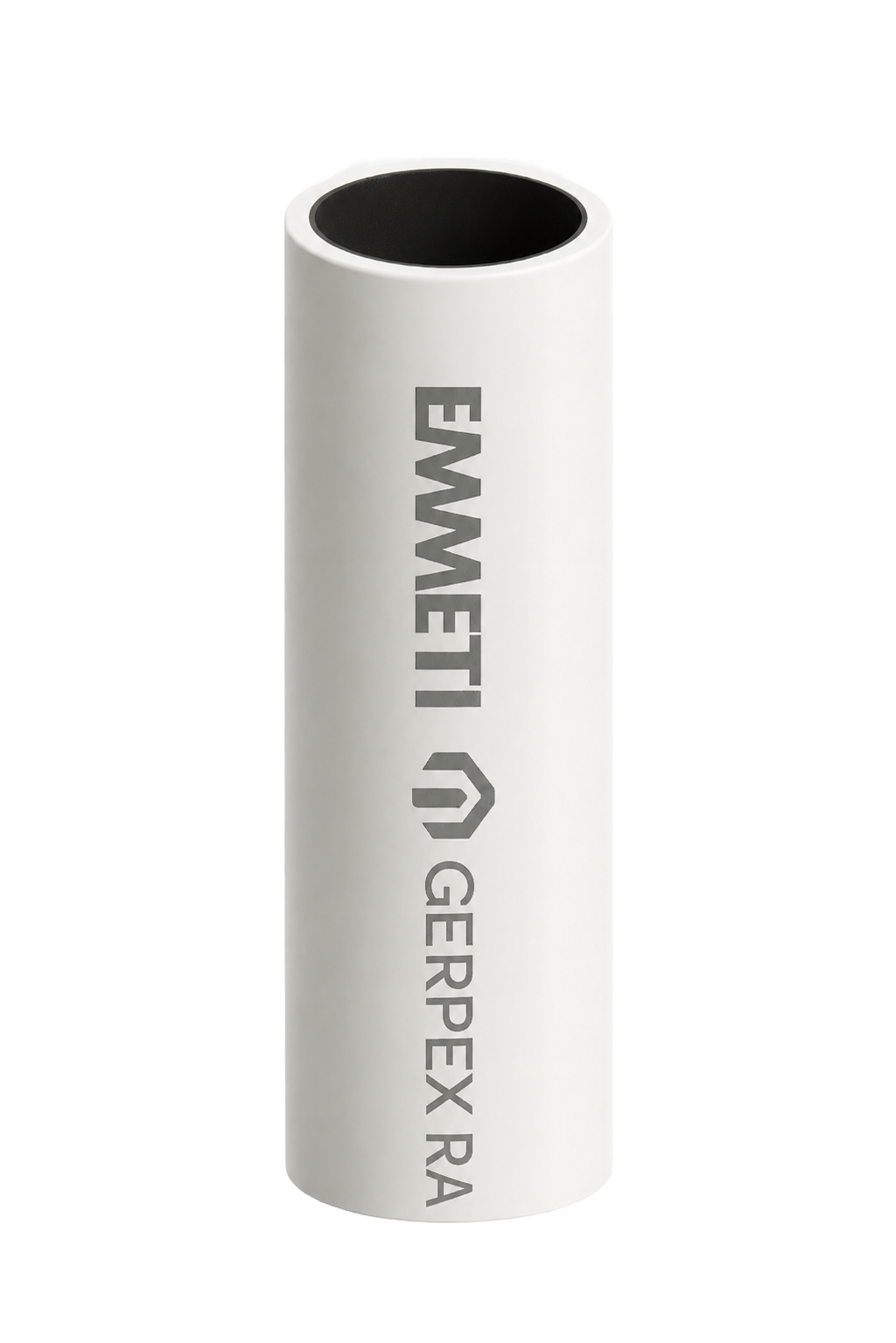
Multilayer EMMETI Gerpex RA | White stiff plastic pipe that bends but keeps its shape. Common for hot- and cold water installations in houses and apartments. | 16, 20, 26 |
| 1.0.19 |
Multilayer EMMETI Alpert | White stiff plastic pipe that bends but keeps its shape. Common for hot- and cold water installations in houses and apartments. | 16, 20, 26 |
| 1.10.3 |
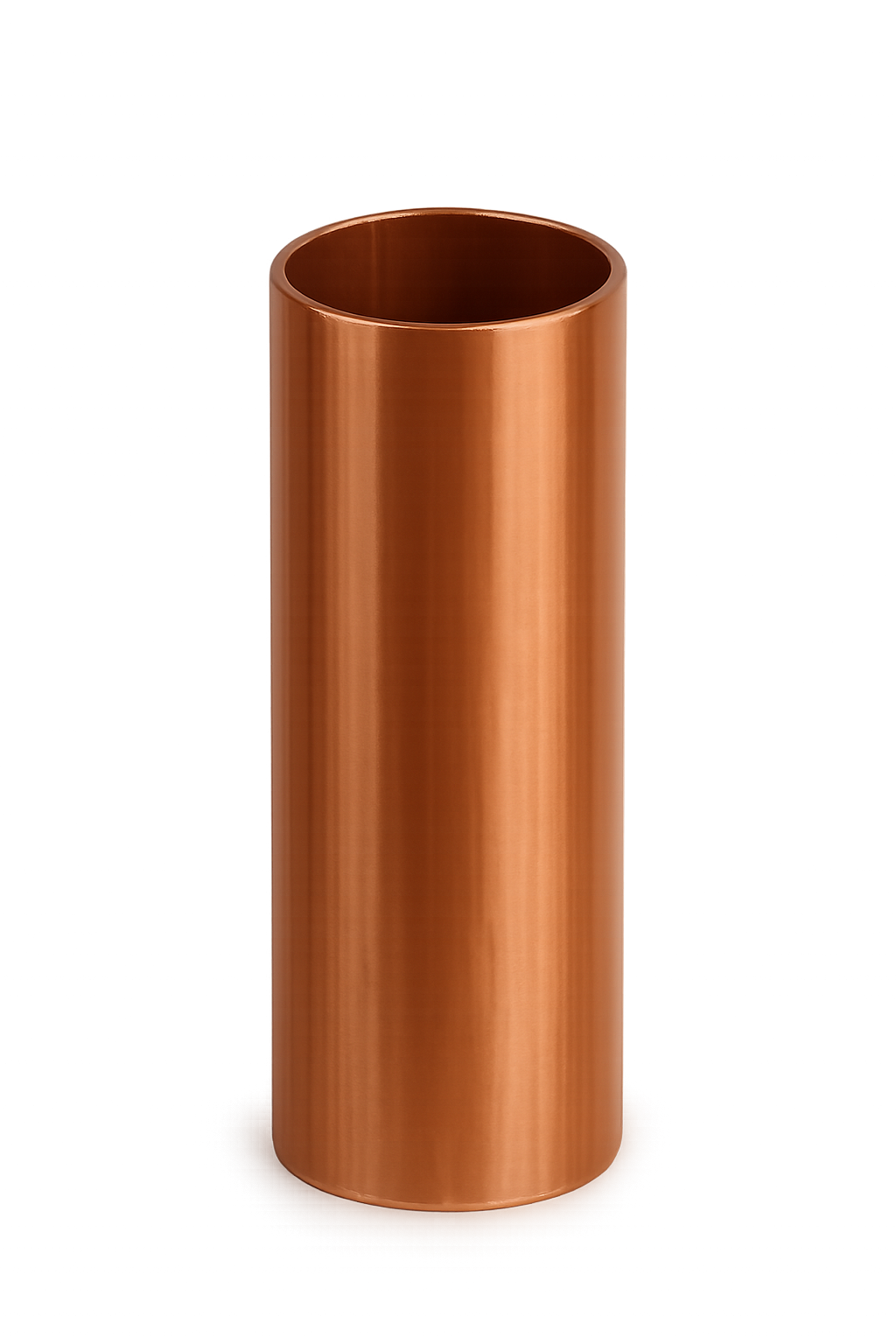

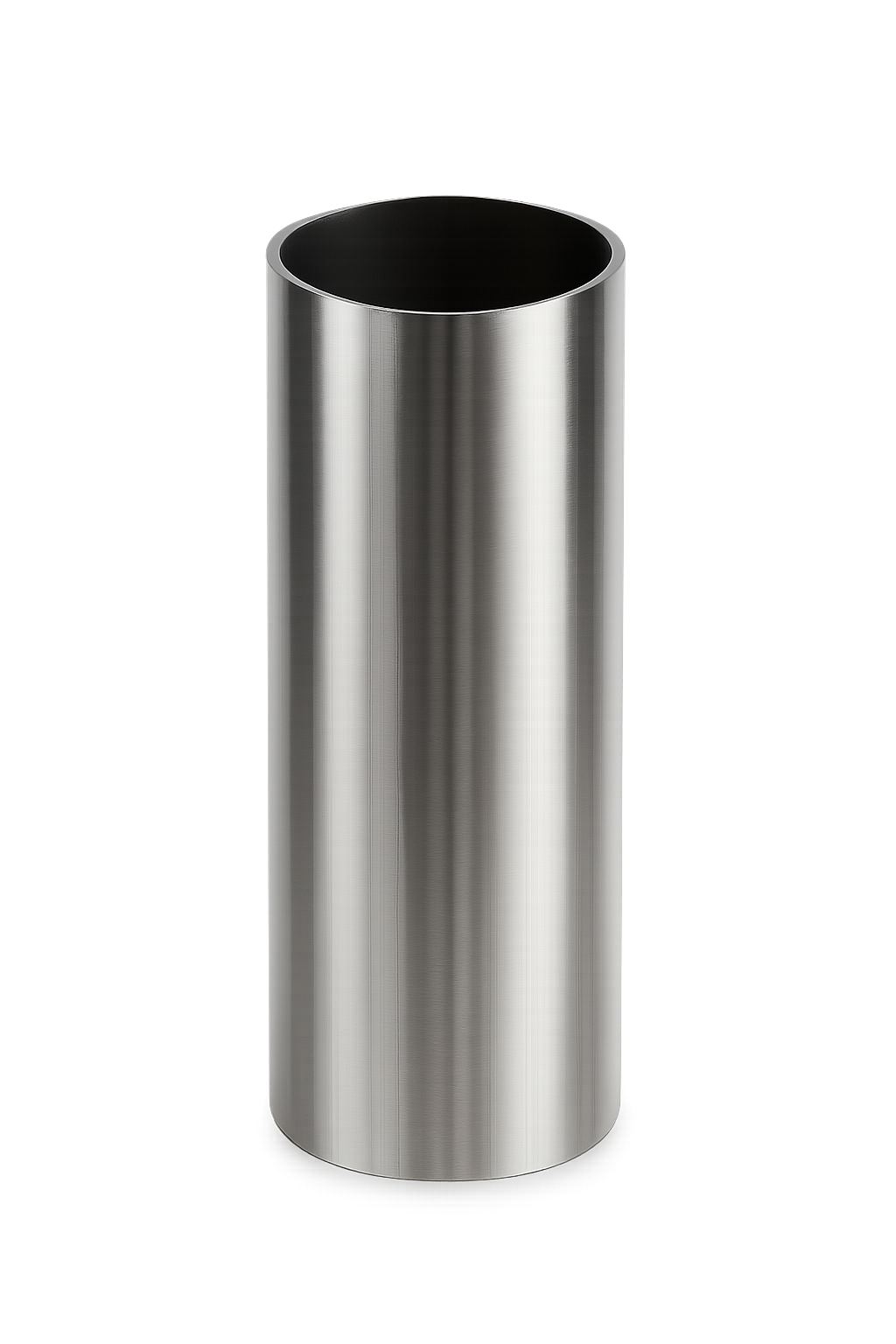
Unsupported pipes ⚠
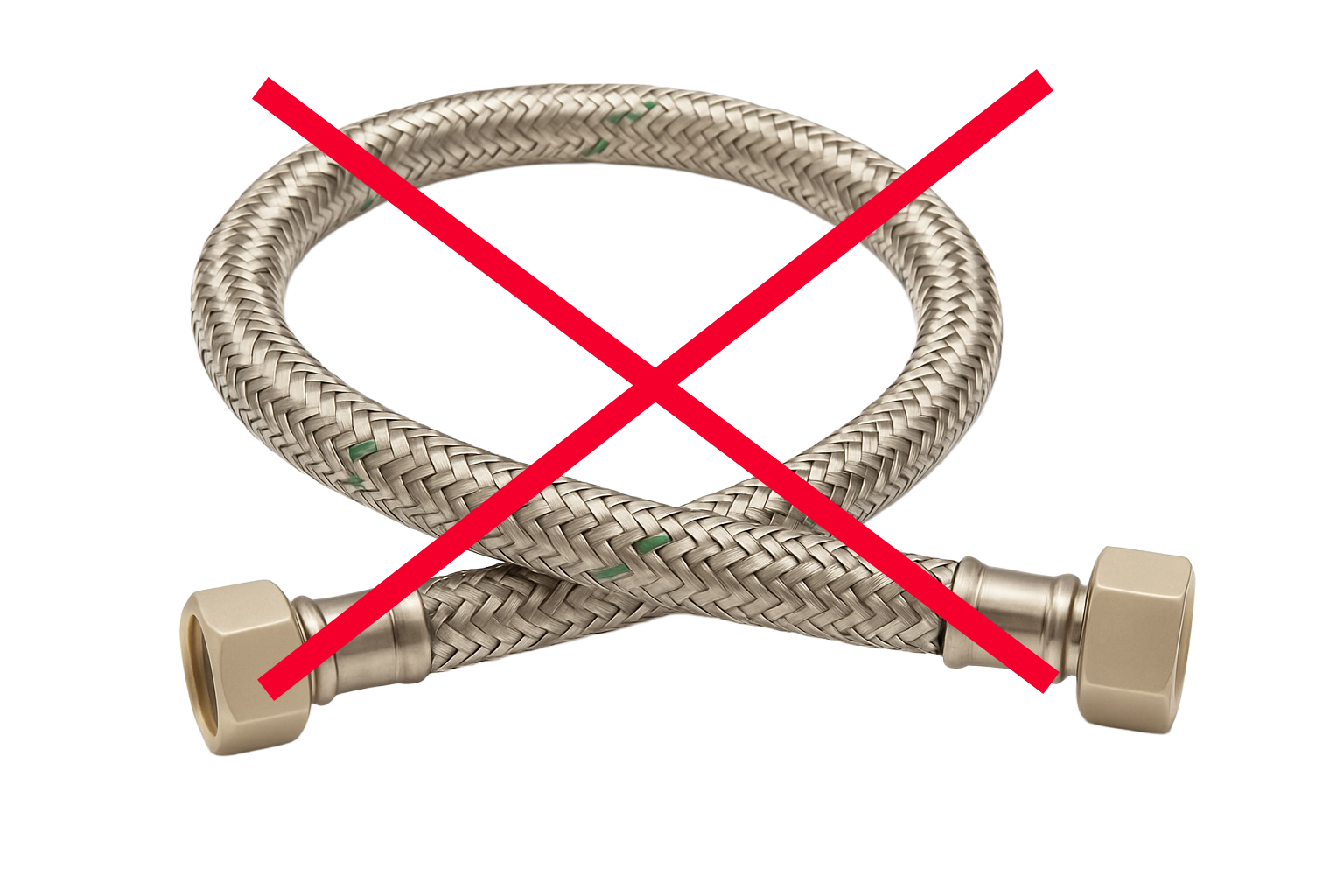
The Water Grip is designed to work with the most common rigid or semi-rigid domestic water supply pipes. However, certain pipe types are not currently supported due to construction, material flexibility, or surface geometry that prevents reliable sensor coupling.
Examples
Flexcore-type flexible stainless steel hoses
Highly flexible metal hoses commonly used to connect fixtures and appliances.Braided flexible hoses
Rubber or EPDM inner tube wrapped in a stainless steel or textile braid-typically used for faucets, toilets and appliances.
Non-pressurised water pipes
Any non-pressurized, or waste-water piping.Garden hoses
Garden hoses or temporary water supply hoses that lack rigidity.Irregular profile pipes
Any pipe whose outer surface prevents stable sensor mounting.
Preparations
Optimal placement
For optimal performance, install the Water Grip as far away from any pipe bends/elbows as possible to prevent flow turbulence that can occur in a water pipe.
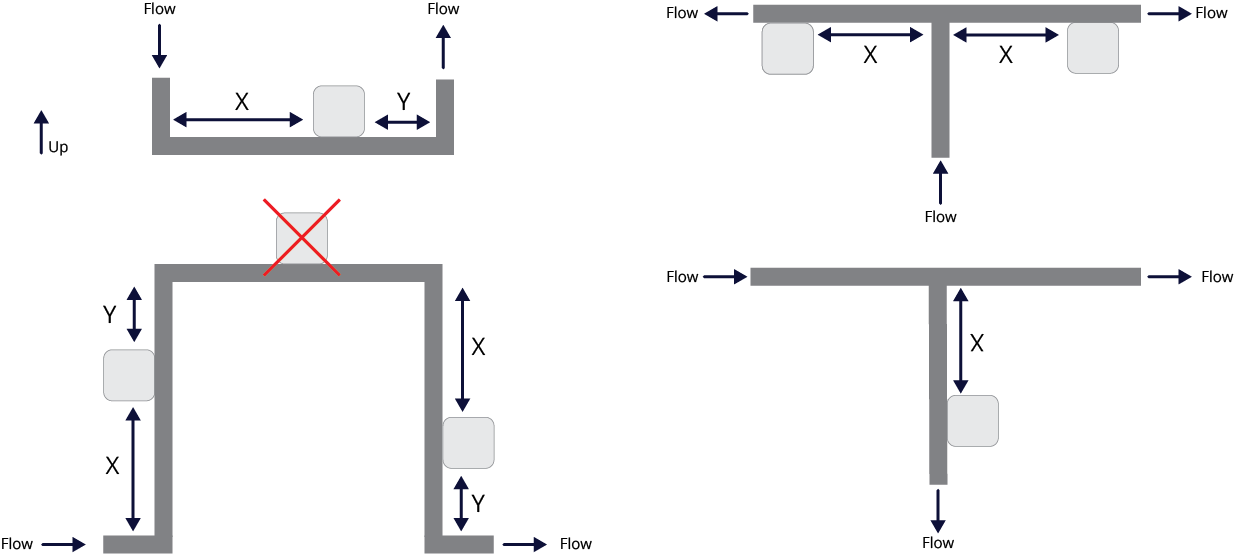
X = Distance from pipe bend/elbow
Y = Distance to pipe bend/elbow
D = Pipe outer diameter
Distance | Optimal distance | Example: Copper 22 mm |
X | 10 × D | 220 mm |
Y | 5 × D | 110 mm |
Preparing the pipe
Before installation, make sure that the pipe is:
Clean
Wipe away any dirt, dust, or oil so the pipe is completely clean.Undamaged
Look carefully to make sure there are no dents, cracks, or damages.Free from corrosion
Check that there’s no rust or corrosion. Remove any rust/corrosion if possible using sandpaper and/or solvent.Not painted
Ensure the pipe surface is bare metal or plastic, with no paint or coating. If any paint exists, remove using a proper solvent.
⚠ Important - Wi-Fi signal:
Note: Do not install the Water Grip inside a closed metal box or cabinet. Metal enclosures act as a Faraday cage and can block the Wi-Fi signal, preventing alerts from being sent.
How to install
Download the Quandify App
Available in the App Store or Google Play.Add your Water Grip in the app
Create an account and add your device (+).Follow the installation instructions
The app will guide you through the steps.
Installation video
Device operation
Power options
Two different sources of power are supported.
Battery
Suitable for flexible installation locations
USB-C
For continuous operation without battery changes
Normal operation
The device enters normal operation mode when:
The device has been successfully added in the Quandify App, and it appears as Active.
All installation steps have been completed according to the in-app instructions.
During normal operation, the Water Grip continuously:
Measures flow rate and temperature at least every second to maintain high-resolution monitoring.
Updates consumption data o in the Quandify App over WiFi according to the consumption update schedule shown in the table below.
Detects and alarms for any potential leaks immediately, with notifications displayed in the Quandify App.
Tracks water usage patterns over time and logs them for viewing in the app.
Power source | Update frequency (WiFi) | Data resolution |
Battery or USB-C | Every hour | High |
Check device status
See if the device is functioning correctly.
How to check
Press the Button once.
Check the LED and refer to the LED description table below.
LED description
Color | Behaviour | Description | Action required |
🔵 Blue | Blinking | Configuration mode | Configure the device using the Quandify App |
🟢 Green | Blinking | Device ready to be installed on a pipe | Follow the installation steps in the Quandify App |
🟢 Green | Solid | Successfully mounted on the pipe and connected to Wi-Fi | Follow the installation steps in the Quandify App |
⚪ White | Blinking | Connecting to Wi-Fi | - |
🟡 Yellow | Blinking | Leak detected | Check for leakages. Details about the detected leak is shown in the Quandify App. |
🟣 Purple | Blinking (fast) | The device is being updated and some functions are temporarily disabled | Wait until finished the LED turns OFF. This process can take up to a couple of minutes. Do not disconnect the power source. |
🔴 Red | Solid | The device is not working properly | Contact technical support |
⚫ OFF | - | The device is either running in Normal operation or powered off | See Check device status |
Device updates
The Water Grip can be updated automatically over Wi-Fi to keep up to date with the latest improvements, features, and security fixes.
How it works
The device will check for available updates when sending data to the Quandify App. How often depends on the power source (see Normal operation).
Power off
To power off the device, simply remove the batteries and unplug the USB-C cable (if connected).
Resetting the device
Important ⚠
A reset cannot be undone. Ensure you want to erase all data before proceeding.
All settings, including Wi-Fi configurations and usage data, will be deleted
You will need to reconnect to Wi-Fi and reconfigure the device
How to reset
Unplug the power source
Remove batteries
Unplug USB-C cable (if connected)
Press and hold down the Button
Plug in the power
Insert the power source (batteries or USB-C) while pressing down the ButtonHold for approximately 5 seconds
Wait until the device beeps.Release the Button
The LED should blink BLUE indicating that the device is ready to be configured (see LED description)
Leak Detection
Important ⚠
If the Water Grip isn’t properly installed, or if the pipe contains air/water mix, the device cannot reliably detect leaks.
How it works
The Quandify Water Grip continuously monitors your water flow to identify leaks, helping you quickly respond to potential water damage. Examples include a leaking toilet, leaking dishwasher or if a water pipe bursts.
Notifications
The device instantly alerts if a leak is detected in different ways:
Beeping
It makes a clear beep sound.LED
See LED description.Push notification in the Quandify App
Notification in your phone.
Important ⚠
A detected leak significantly increases power consumption compared to normal operation. As a result, the batteries may drain much faster than expected during and after a leak event.
If the Water Grip has detected a leak, it requires checking and replacing the batteries once the situation has been resolved.
Acknowledging a leak
If a leak is detected, the device will alert until the user acknowledges the leak. This can be done in two ways:
Acknowledge the alarm in the Quandify App
Acknowledge by pressing the Button
Press once to wake the device up
Press again to acknowledge the leak
Technical specifications
Battery | 2 × AA Non-rechargeable |
Battery Life | Up to 3 years* |
External Power | USB-C (5 V DC, 1 A) |
Weight | ~282 grams (excluding packaging) |
Dimensions (mm) | Width: 57, Height: 65, Length: 85 |
Connectivity | Wi-Fi 6 (802.11ax, 2.4 GHz) Bluetooth 5 (BLE) |
Environment | Indoor use only |
Water temperature | 0.1°C – 70°C |
Temperature accuracy | ±2% max |
Supported liquids | Water |
Leak detection | High water usage / pipe burst Unusual water usage Hidden leak |
Data update frequency | 1 hour |
App compatibility | iOS 15.1 or later, Android 8+ |
*Battery life depends on data usage, connectivity conditions, and environmental factors.
**Depending on device installation quality.
***Requires connection to WiFi / Quandify cloud
Troubleshooting
Issue | Action |
Device won’t connect to Wi-Fi | Ensure that your Wi-Fi router is configured to 2.4GHz. |
I cannot see any data in the Quandify App | Check the device status (see Checking device status) How often data is updated depends on the power source (see Normal operation) |
The device beeps at regular intervals, what does that mean? | The device has detected a leak (see Leakage detection) or The battery is low (see Replacing batteries) |
Battery drains quickly | Battery life depends heavily on the frequency of detection of leaks, Wi-Fi connections, LED and beeper action. |
Safety & Maintenance
Keep the device away from extreme heat or moisture.
Clean with a dry cloth—do not submerge.
Frequently Asked Questions
See FAQ.
Support & contact Information
For help, visit the Quandify website or contact our support team:
📧 Email: support@quandify.com
🌍 Website: quandify.com/support/water-grip